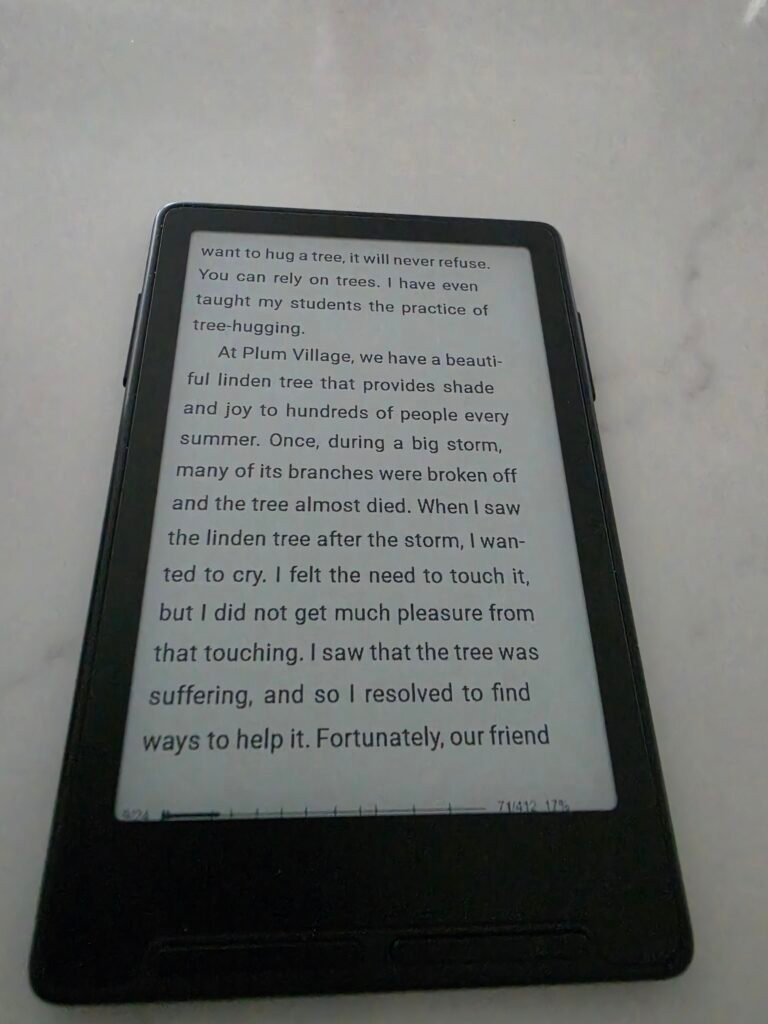
The Xteink X3 Mini is a 3.7-inch e-ink slab that magnetically attaches to the back of your phone. It has no touchscreen, no backlight, and zero internet browsing capabilities. By flashing it with community-built custom firmware, you can transform this raw, barebones gadget into the ultimate pocket-sized reading escape.
You know the feeling. The “Twitch.”
You are standing in line for a coffee, or waiting for a meeting to start. You have thirty seconds of downtime. Before your conscious brain can even intervene, your hand is in your pocket, grabbing your phone, ready to unlock the screen and dive into the algorithmic sludge of an endless feed.
But imagine if, instead of unlocking the glowing OLED screen, you simply flipped the phone over. Attached to the back of your MagSafe case is a tiny, grey slate of e-ink. You press a tactile, physical button on its side. You are suddenly three paragraphs deep into a sci-fi novel. The internet is gone. The Twitch is cured.
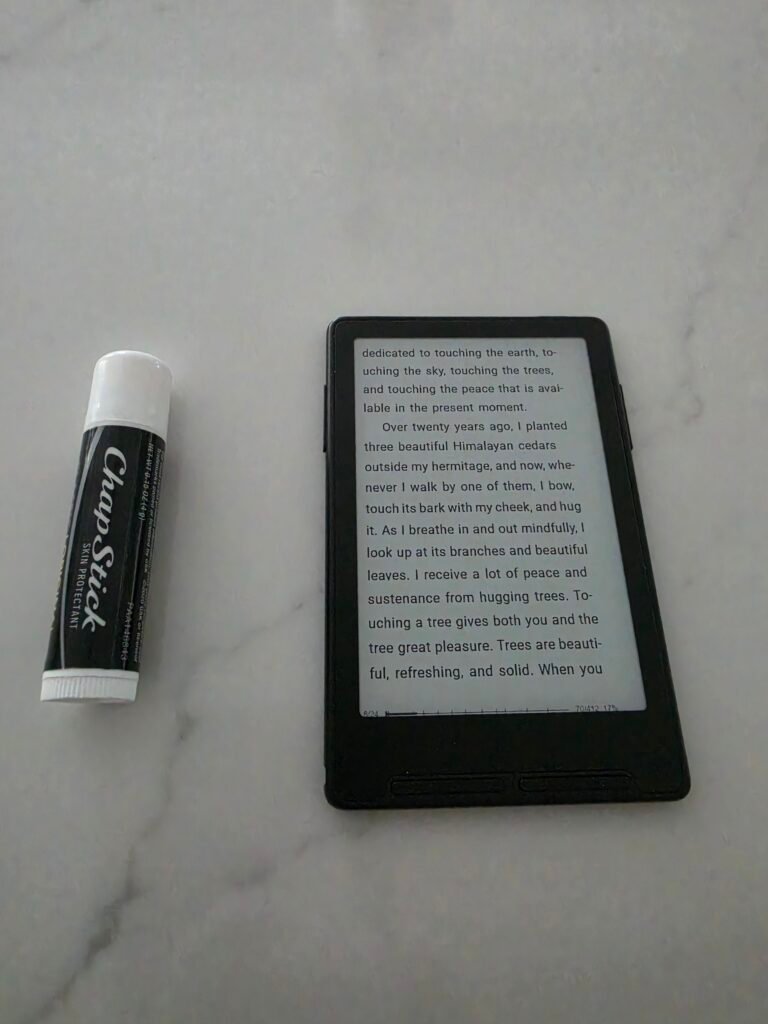
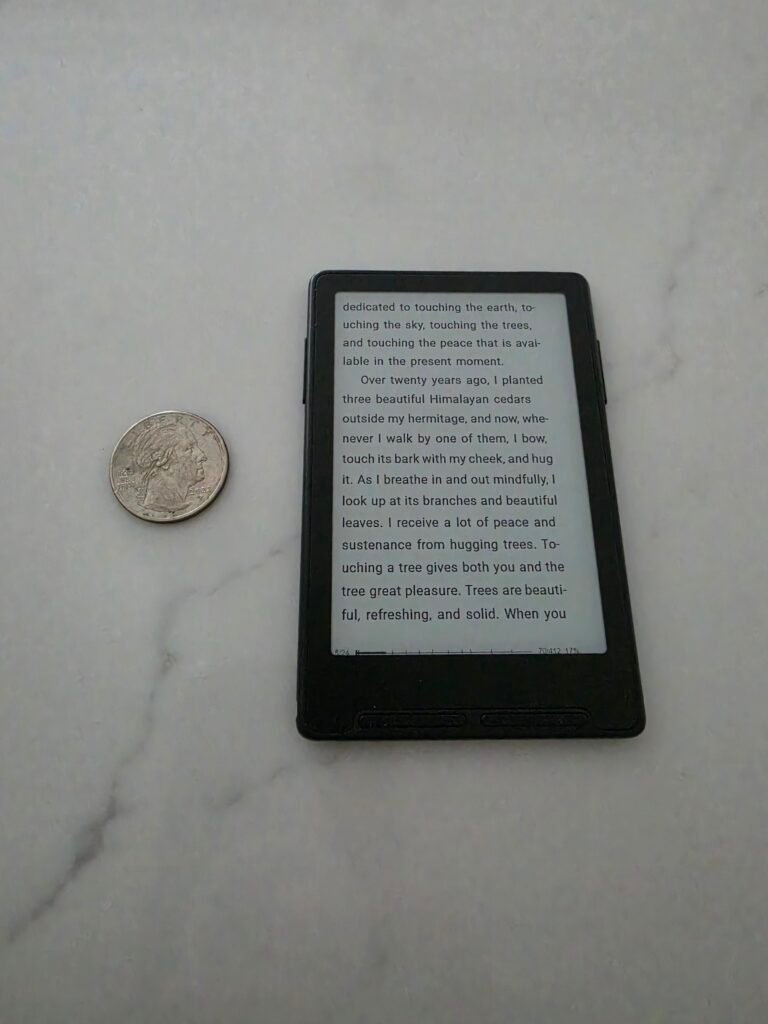
This is the promise of the newly released Xteink X3 Mini. It is an e-reader roughly the size of a credit card. It is delightfully spartan, completely devoid of smart features, and requires a bit of nerdy elbow grease to get working perfectly. It is everything the Slow Tech movement is about.
Product Name: Xteink X3 Mini E-Reader
Target Audience: Digital minimalists, tinkerers, and everyday carry (EDC) enthusiasts
Screen: 3.7″ E-Ink (250 PPI)
Navigation: Physical page-turn buttons only
Battery: 650 mAh (Magnetic Pogo Pin)
Distraction Level: 0% (It literally just displays text files)
Price: ~$79.00 USD
The Hardware: Embracing Constraints
Let’s get one thing out of the way immediately: this is not a Kindle Paperwhite replacement. It is an entirely different philosophy of reading.
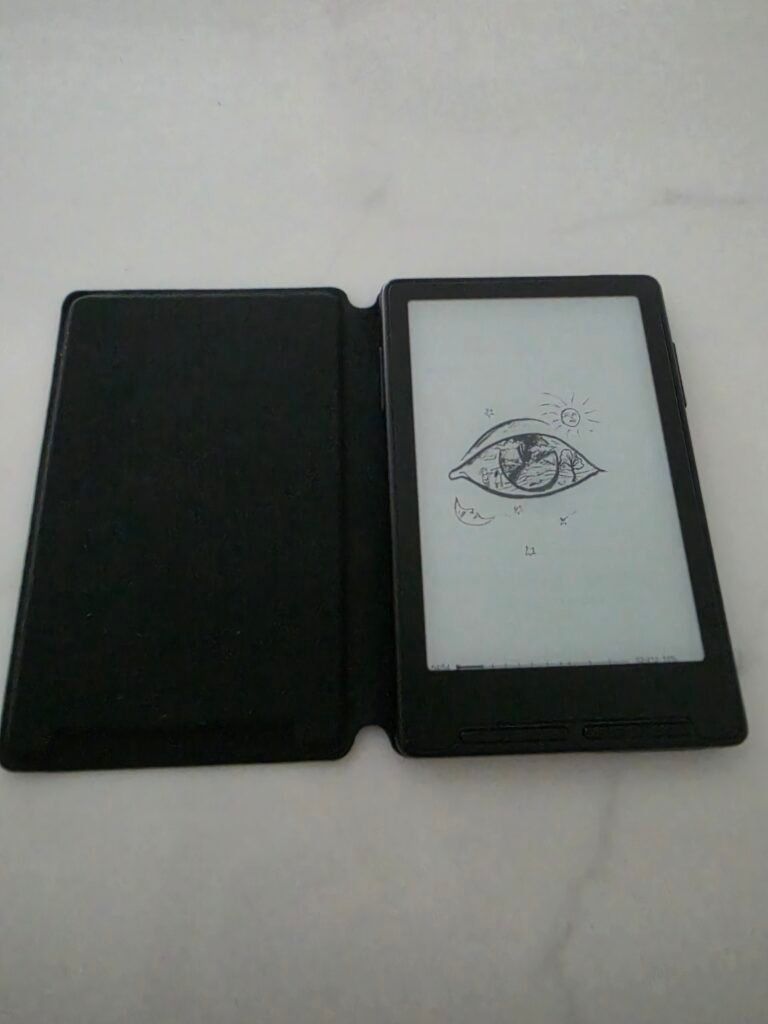
The X3 weighs a completely absurd 55 grams. It features a 3.7-inch display packed with 250 pixels per inch, making the text incredibly crisp despite the tiny footprint. But the beauty is in what it lacks. There is no touchscreen. You navigate the device entirely through clicky, physical buttons on the side. It feels incredibly refreshing to turn a page with a mechanical click rather than a greasy screen swipe.
There is also no front light. You read this exactly how you read a mass-market paperback from 1993: using the lamp in your living room or the sun in the sky.
If there is one hardware gripe the everyday carry community has right now, it is the charging method. Instead of using a universal USB-C port like its predecessor (the X4), the X3 uses a proprietary magnetic pogo-pin cable. It is a frustrating choice, but considering the 650 mAh battery will easily get you through two solid weeks of reading, you won’t be hunting for the cable very often.
The Secret Sauce: It Runs on an ESP32
Out of the box, the stock software from Xteink is notoriously barebones, and sometimes defaults to Chinese. If you aren’t willing to tinker, you might find the native interface deeply frustrating.
But this is where the magic happens. The device is built around an ESP32 micro-controller. In the hardware world, this means it is an open playground for developers. The community has stepped in to save the day, building a completely custom, vastly superior operating system for it.
If you buy this device, the very first thing you must do is flash the firmware. Head over to x3.crosspointreader.com and install the community-built CrossPoint Reader OS. It takes the clumsy stock interface and replaces it with a clean, minimalist, highly functional reading UI that makes sideloading EPUBs an absolute joy.
The Workflow
Because the screen is so small, standard e-book files can sometimes look a bit wonky with massive margins or improperly scaled images.
To get the perfect reading experience, you will want to run your books through the community formatting tool before dropping them onto the device’s included 16GB MicroSD card. Just bookmark x4converter.rho.sh. This web tool strips out the bad CSS formatting and optimizes your files perfectly for the X3’s specific resolution. It turns an annoying formatting hassle into a seamless, drag-and-drop process.
Pros & Cons of the Xteink X3
Pros:
- The MagSafe Factor: Snapping it to the back of your smartphone is a genius physical barrier to doomscrolling.
- Tactile Buttons: Mechanical page turns are infinitely more satisfying than tapping a screen.
- The Hacker Community: Because it uses an ESP32 chip, the custom firmware options (like CrossPoint) will only get better with time.
- Extreme Portability: It is so small and light you will forget it is in your pocket.
Cons:
- Pogo Pin Charging: Ditching USB-C for a proprietary magnetic charger is a massive downgrade from previous models.
- No Backlight: You cannot read this in the dark.
- The Tinkering Tax: It is not a plug-and-play device. You need to be willing to flash custom firmware and format your own files to get the best experience.
We carry supercomputers in our pockets that actively destroy our attention spans. The Xteink X3 Mini is a $79 physical firewall. By slapping this tiny, single-purpose e-ink screen onto the back of your phone, you intercept your worst digital habits and replace them with literature. Yes, you have to flash it. Yes, it has a weird charger. But as a pocket-sized tool for reclaiming your focus, it is absolutely unmatched.
Update – August 2026
The biggest limitation I called out in this review just got a serious community upgrade.
CrossPoint now has a “Protected Content” plug-in that lets you load DRM-protected Libby/OverDrive library books (and some Kobo purchases) onto the X3. It’s still not a one-tap native Libby app — you borrow on your phone, grab the ACSM file, and process it through CrossPoint’s web interface — but it works. The device that used to be strictly DRM-free can now pull from your local library.
This is exactly the kind of quiet, reader-driven progress that makes these little ESP32 machines feel special. Constraints remain (you still have to tinker a bit), but the walls just got a little thinner.
Full details are in the CrossPoint Plugin Store if you want to try the beta.
Frequently Asked Questions
Does the Xteink X3 have a touchscreen? No. The device is navigated entirely using the physical buttons on the side. This prevents accidental page turns and keeps the screen completely free of fingerprints.
Does it have an adjustable backlight for reading in bed? No. The X3 has no internal lighting system. You will need an external book light or ambient room lighting to read, exactly as you would with a physical book.
Why should I install the CrossPoint Reader firmware? The stock firmware on the X3 is incredibly barebones and has poor formatting for certain EPUB files. Flashing the device with CrossPoint Reader provides a much cleaner, English-first user interface and better library management.
Is it compatible with Kindle or Libby books? No. This device does not support third-party DRM apps. It is designed strictly for DRM-free EPUB and TXT files that you sideload yourself via the MicroSD card.