Enter Safe Mode

Reclaim Your Attention | Slow Tech Field Guides

Ditching Your Smartwatch in 2026: The Ultimate Slow Tech Guide to Watches

When comparing analog watches vs smartwatches, the truth is that a smartwatch is just a disposable gadget that straps anxiety and endless notifications directly to your wrist. Switching to a real analog watch, whether mechanical, quartz, or solar…is the ultimate Slow Tech move to reclaim your attention and invest in a distraction-free heirloom.

I am sitting in the sun down in Sarasota, waiting for a Spring Training practice to start. I look down at my wrist.

If I were wearing my Garmin, I wouldn’t just be checking the time. I would be checking my heart rate. I’d see it sitting at 84 BPM and immediately wonder why it isn’t my resting 65. Is it the Florida heat? The coffee? Am I getting sick? Then I would swipe to check my “Stress Score.” If the watch told me my stress was high, I would suddenly feel anxious about being stressed. I would check my “Body Battery” and watch it drain to 40%. Suddenly, I am no longer at a baseball game. I am in a medical diagnostic loop in my own head.

Instead, I am looking at a sweeping second hand on my Orient Kamasu. I see metal, sapphire glass, and a beautiful black dial. It isn’t measuring my Heart Rate Variability. Or anything else. It just tells me that it’s 11:58am.

We strap computers to our wrists because we think we need to optimize our bodies with an endless stream of metrics. But too much data leads nowhere good. All we really do is strap our anxiety directly to our skin, turning every natural heartbeat into a notification to be analyzed. More and more people in 2026 are ditching their smartwatch for exactly this feeling — and discovering a richer, calmer way to wear time on their wrist.

If you want to take a massive step into the Slow Tech lifestyle, take off the smartwatch. Buy a real watch. Though let me warn you, it’s an addictive hobby!

Continue reading “Ditching Your Smartwatch in 2026: The Ultimate Slow Tech Guide to Watches”

Hack Your Nervous System: 4-7-8 Breathing With a GymBoss MiniMax

I have been investing in my mental health way before it was “ok.” Dare I say, before it was cool? Or at the very least, before it was socially acceptable to say the words aloud. I tried it all. Red lights. Blue blockers. Yellow sun. Everything except white pills. Not that there’s anything wrong with those if you need them.

But if I am being honest, there is only one “hack” that has ever truly moved the needle on my anxiety: Mastering my breath.

It sounds like something a yoga instructor tells you while you are struggling to hold a plank, but it is true. Physiologically, your breath is the remote control for your nervous system. It is the only lever you can pull to manually switch your body from “Fight or Flight” (sympathetic) to “Rest and Digest” (parasympathetic).

The problem? Breathing apps are a trap.

To use Calm or Headspace, you have to unlock your phone. You have to see the red badge on Slack. You have to dodge a text. By the time you get to the “breathe bubble,” your cortisol is already spiking.

You don’t need an app with a visual bubble. You need a tactile rhythm. You need the GymBoss MiniMax.

Continue reading “Hack Your Nervous System: 4-7-8 Breathing With a GymBoss MiniMax”

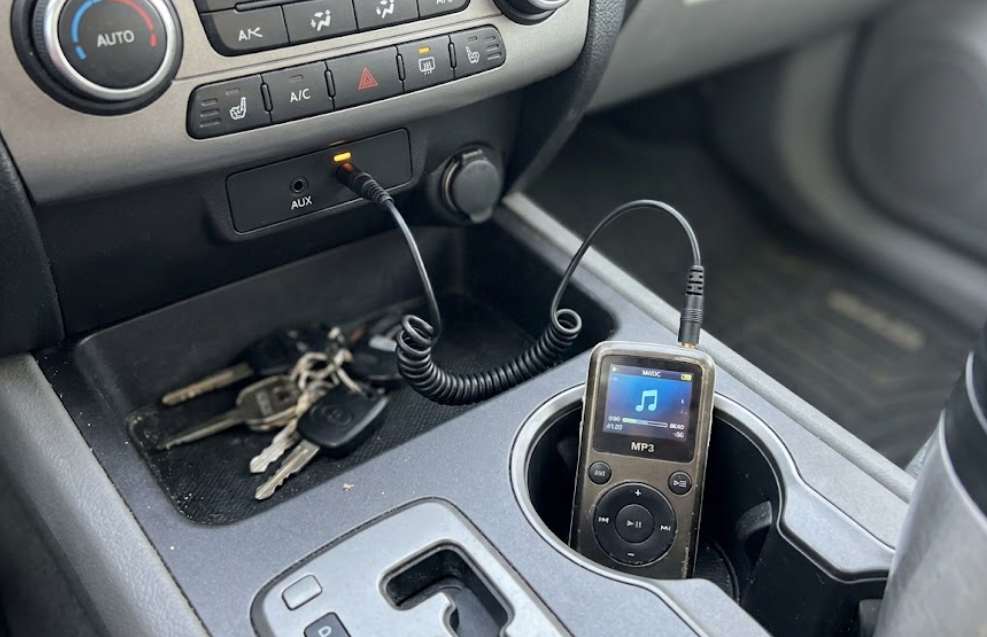
3 Dumbphones That Actually Play Spotify

I hear it every time I talk about “entering safe mode.”

“Drew, I want to smash my iPhone. I want to buy a flip phone. I want to reclaim my brain. But…I can’t lose my Spotify playlists.”

It is the single biggest barrier to entry for the Slow Tech movement. We have spent a decade curating our Discover Weekly, building gym playlists, and saving podcasts. The idea of going back to MP3s feels like moving from a Tesla to a horse and buggy.

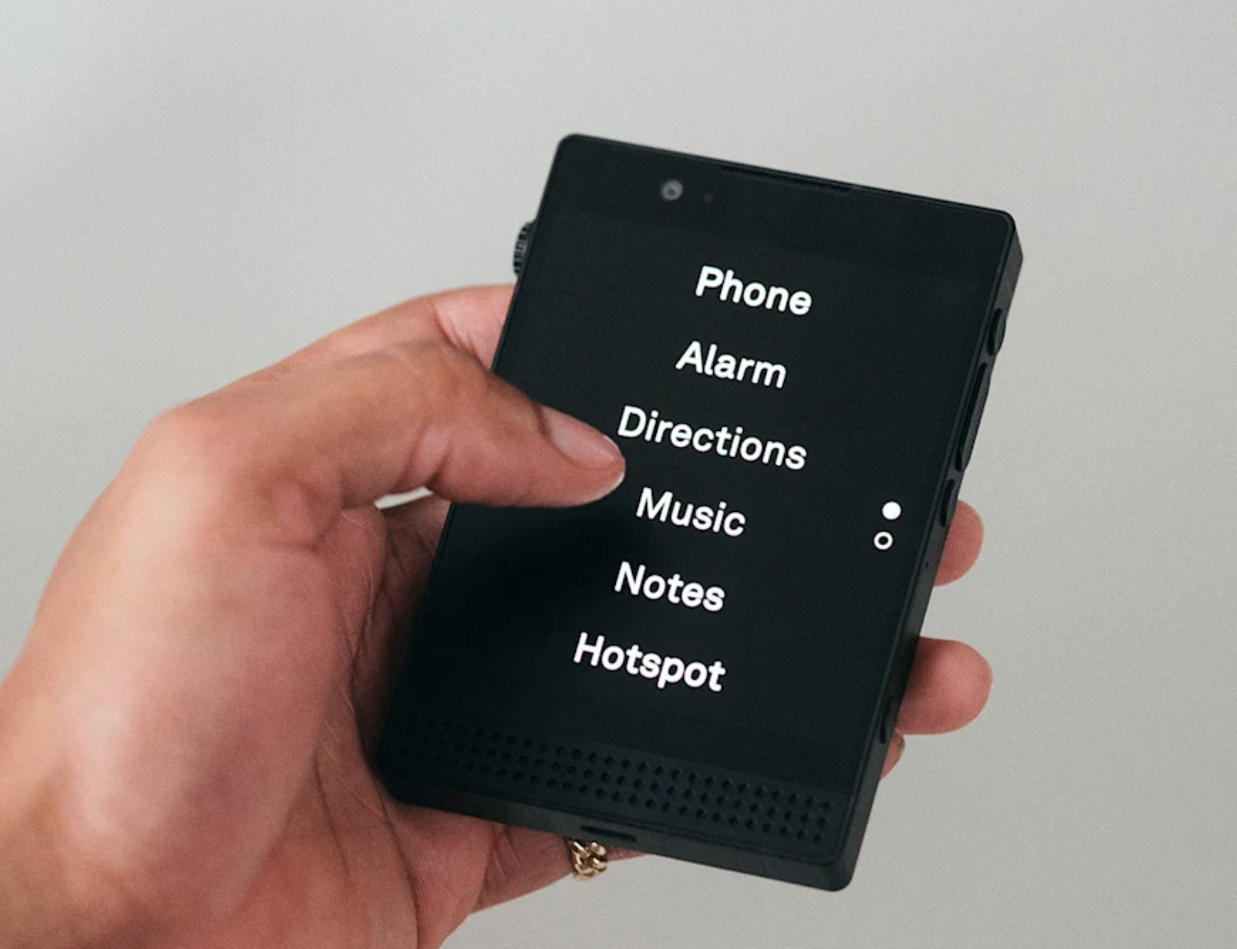
The problem is that most “true” dumbphones (like the Light Phone II or Punkt MP02) view streaming music as a distraction to be removed. They want you to own your music files. Noble? Yes. Practical for a dad who needs the “Disney Hits” playlist to calm a toddler in a traffic jam? No.

If you need Spotify but hate the scroll, you need a “Transition Phone.” These are devices that run Android (so they can run the app) but have hardware so restrictive that you won’t want to watch TikTok on them.

Here are the three best options available right now that bridge the gap and keep your digital well-being in check.

Continue reading “3 Dumbphones That Actually Play Spotify”

The $5 “Dementia Radio” That Became the Ultimate Focus Tool

I found this bright red box in the Electronics section on the Goodwill website. It looked like a Fisher-Price toy, but something told me to Google it.

I bought it for $4.99.

It ends up being a medical-grade device designed for people with severe memory loss, retailing for nearly **$200**. Good fortune had me stumble upon a pretty awesome minimalist audio device.

Continue reading “The $5 “Dementia Radio” That Became the Ultimate Focus Tool”

Amazon Kindle 1st Gen Review: Is 2007 Hardware Worth It in 2026?

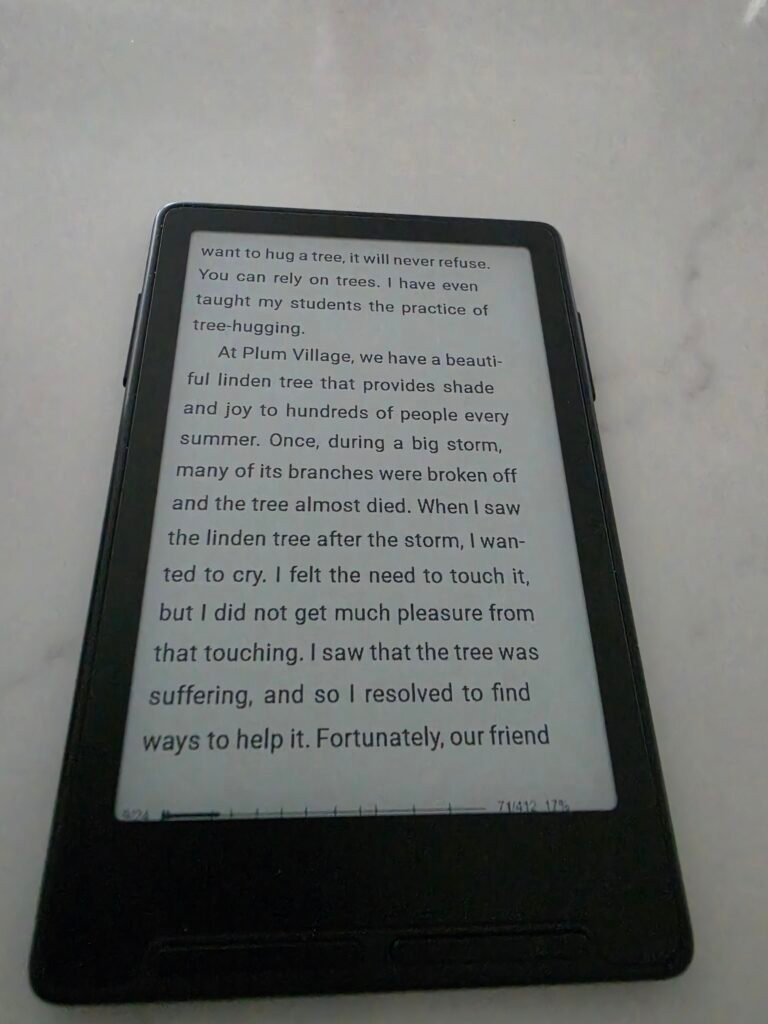
I still use my 2024 Kindle Paperwhite for travel. It’s waterproof and has a warm light. But when I’m at home, sitting in my reading chair, I find myself reaching for something else: The 1st Generation Amazon Kindle.

I found this unit on Poshmark for $38, registered to a previous owner named “Paula.” It is in shockingly pristine condition—white plastic often yellows over 20 years, but this one looks like it just came out of the box.

Inside was a digital time capsule. A “personalized” letter from Jeff Bezos to Paula. A library jammed with Sue Grafton novels. And a frozen error message from 2010 where a credit card failed. Time warp time makes me happy!

Continue reading “Amazon Kindle 1st Gen Review: Is 2007 Hardware Worth It in 2026?”

The Ultimate Freewrite Alternative? Hello, Zerowriter Ink!

I have a complicated relationship with the Freewrite.

On paper, it is the perfect device: a dedicated typewriter with an e-ink screen that syncs to the cloud. In reality, it is a $600 luxury item with a proprietary cloud service (“Postbox”). I love the idea of it, but I can never justify the price tag for what is essentially a glorified calculator that runs Microsoft Word 1.0.

I am a proponent of the used Alphasmart Neo 2, which is my distraction-free writing tool of choice to work on my novel.

But now, there is a new challenger. It’s called the Zerowriter Ink, and it is the first device that actually threatens the Freewrite’s monopoly on hipster minimalism.

I have not touched this device yet—it is currently shipping from its Crowd Supply campaign—but on paper, it fixes almost every gripe I have with modern writing decks.

Continue reading “The Ultimate Freewrite Alternative? Hello, Zerowriter Ink!”

A Must-Have for Writers: The $7 Franklin MWD-1490 Electronic Dictionary

I was deep in the weeds of Chapter 4 of my novel last Tuesday. The scene is set on a farm, and I realized I had used the word “barn” about fifty times in three pages.

I needed variety. I needed “pastoral.” I needed “agrarian.” I specifically wanted synonyms for “bucolic.”

Normally, this is the moment where I die. I hit CTRL + N to open a browser window. I type “bucolic synonym.” But while I’m there, I see a notification badge on Gmail. Or I spot a “Trending” headline about the Knicks.

Suddenly, it’s twenty minutes later and I have watched three videos of Billy Corgan talking about pro wrestling, and I have completely forgotten that I was writing about a farm.

It’s the Internet Tax. Every time you go online for something simple, you pay a toll in attention.

Continue reading “A Must-Have for Writers: The $7 Franklin MWD-1490 Electronic Dictionary”

How a “Dead” 8GB Zune Became My Favorite Desk Accessory

How to turn a broken Zune into a distraction-free desk tool for deep work: tips on buying, setup, and more.

OK, so I bought an 8GB Zune on Poshmark for $22 because I wanted to try the Microsoft MP3 player I shunned back in the day. You know the one—wired headphones, retro device, looking mysteriously disconnected from the 5G grid.

I imagined pulling it out of my pocket before I long lunchtime walk, scrolling through the menu with that legendary “Squircle” touch pad, and enjoying 20 hours of battery life.

But when it arrived, reality hit me.

The battery was completely shot.

It holds a charge for exactly four seconds before the screen fades to black. It’s not a portable media player anymore; it’s a brick.

For a minute, I was ready to RePosh. I’ve never been a Microsoft fanboy—I wasn’t an iPod kid either. Maybe I was a Sansa dude? through and through. But holding the device, I realized something: I actually loved the feel of it. The matte plastic back, the weirdly futuristic typography, the “Hello from Seattle” etched on the back. It has personality.

So, I pivoted.

Continue reading “How a “Dead” 8GB Zune Became My Favorite Desk Accessory”

How to Turn Your iPhone Grayscale (And Why It Cures the “Twitch”)

You know the feeling. It’s the “Twitch.”

You’re standing in line at the grocery store, or maybe you’re just waiting for the coffee machine to heat up. You have twelve seconds of downtime. Before you even decide to do it, your hand is in your pocket. Your thumb unlocks the screen, and suddenly you’re five minutes deep into a feed of people you barely know, looking at photos of sandwiches you’ll never eat.

It’s not your fault. Your phone is a carnival. It’s painted in “Notice Me” Red and “Trust Me” Blue. Every icon is designed to look like a piece of candy that your lizard brain wants to eat.

There is a whole industry of gadgets trying to solve this. You’ve probably seen the ads for those “minimalist” phones—the e-ink bricks, the credit-card-sized communicators, the devices that cost $400 just to promise you they won’t do anything.

I love those devices. I review them. But here is the secret the tech industry doesn’t want to say out loud:

You can get 90% of that “dumbphone” peace on the iPhone you already own, for zero dollars.

You just have to wash the color out of it.

Continue reading “How to Turn Your iPhone Grayscale (And Why It Cures the “Twitch”)”