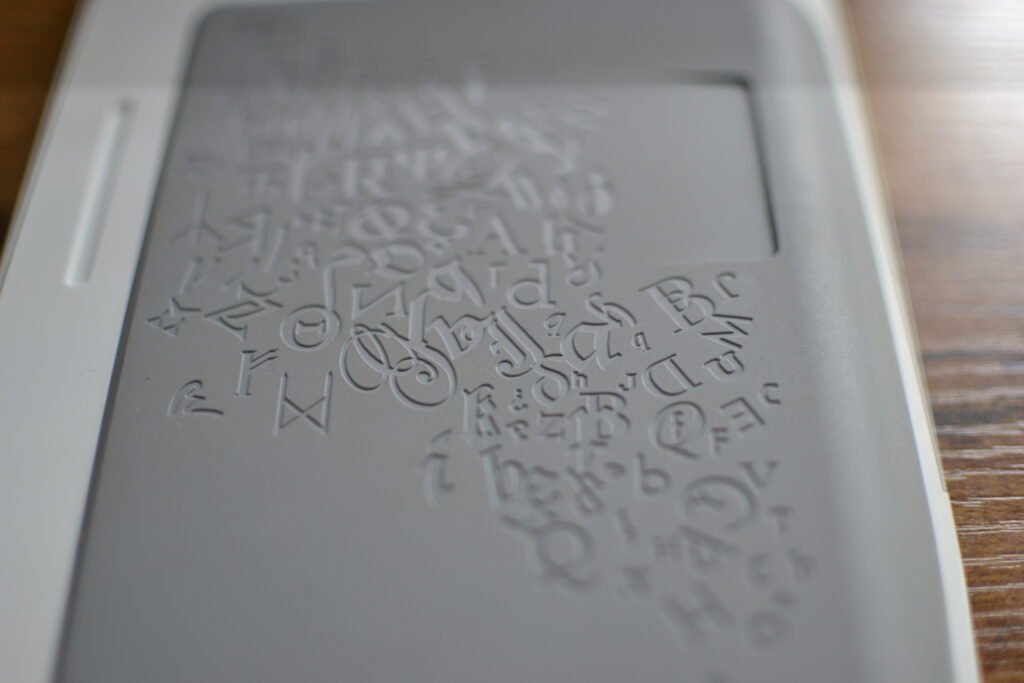
I still use my 2024 Kindle Paperwhite for travel. It’s waterproof and has a warm light. But when I’m at home, sitting in my reading chair, I find myself reaching for something else: The 1st Generation Amazon Kindle.
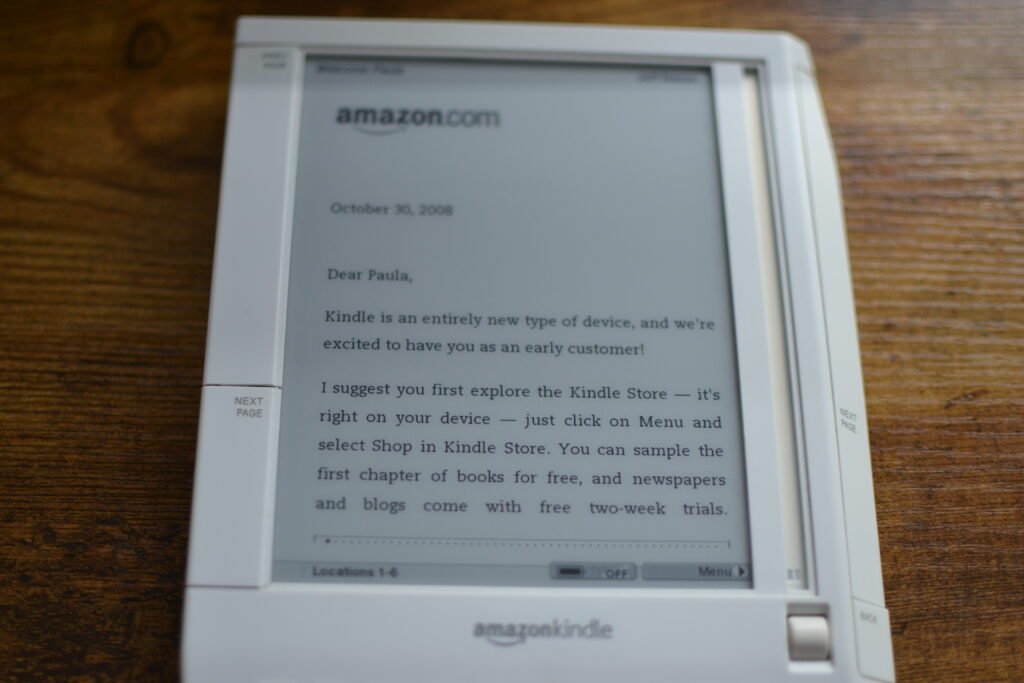
I found this unit on Poshmark for $38, registered to a previous owner named “Paula.” It is in shockingly pristine condition—white plastic often yellows over 20 years, but this one looks like it just came out of the box.
Inside was a digital time capsule. A “personalized” letter from Jeff Bezos to Paula. A library jammed with Sue Grafton novels. And a frozen error message from 2010 where a credit card failed. Time warp time makes me happy!
| Device | Amazon Kindle (1st Generation) |
| Release Date | November 19, 2007 |
| Original MSRP | $399.00 |
| My Cost | $38.00 (Poshmark) |
| Condition | Pristine |
| Distraction Level | 2% (It has “Basic Web,” but good luck loading a webpage in 2026) |
Why Use an Old School Kindle Today?
It’s not about giving up your modern tech; it’s about choosing the right tool for the mindset. The Paperwhite is efficient. The Gen 1 is deliberate.
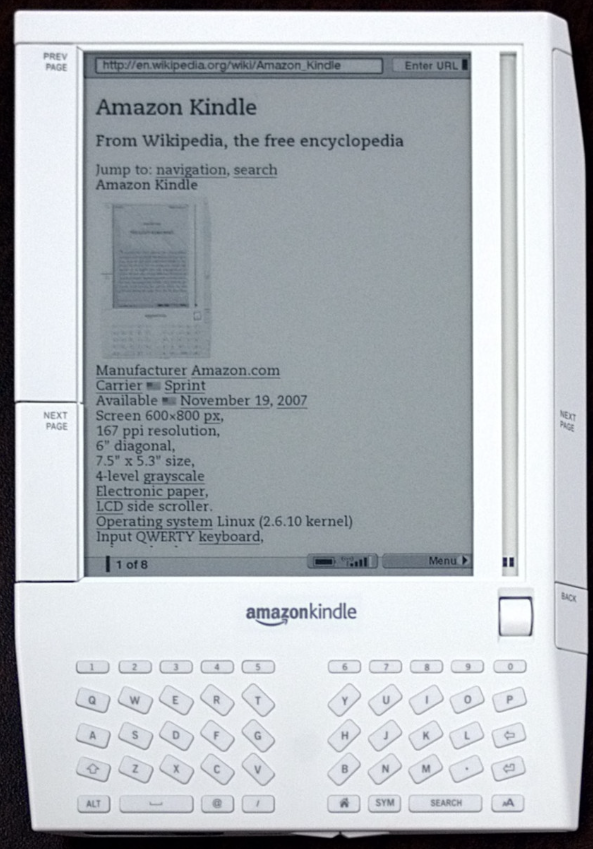
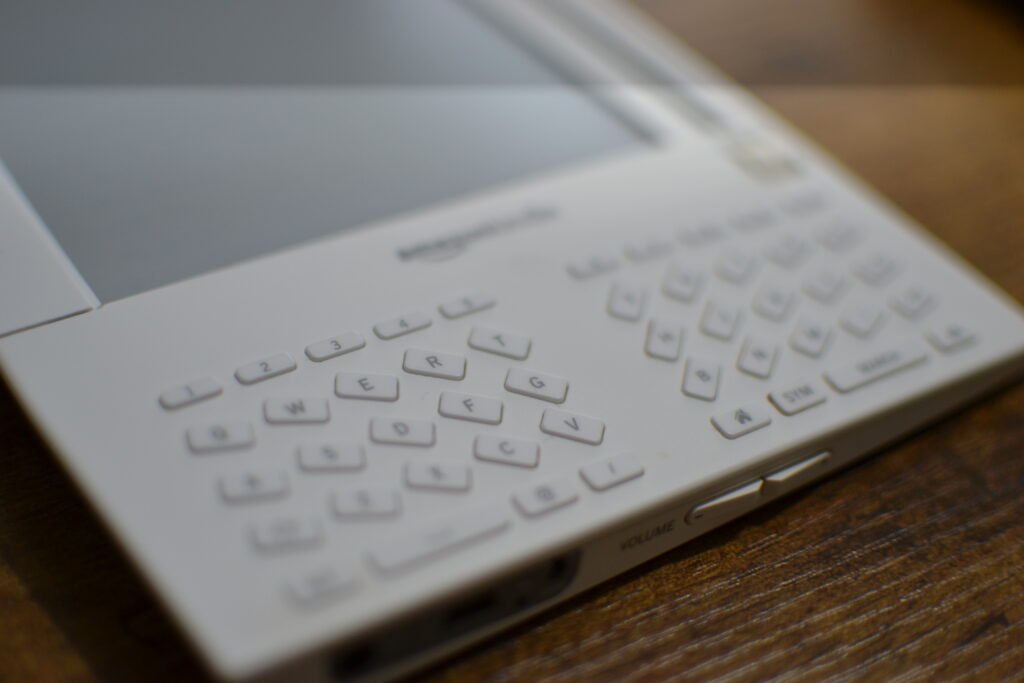
The 1st Gen Kindle has a physical scroll wheel that actually clicks. It has massive, slanted page-turn buttons that run the entire length of the device. You don’t “tap” a screen to turn the page; you shove the device forward.
It creates a physical connection to the reading process. My thumb rests on the button, waiting for the end of the paragraph. It keeps me locked in.
The “Experimental” Underground
Buried in the menu is a folder called Experimental. It includes an MP3 player that works in the background (a feature Amazon killed years ago). I loaded some If These Trees Could Talk tracks onto an SD card, and now the device provides a soundtrack for my reading.
The Generation Wars: Gen 1 vs. Gen 2 vs. Gen 3
If you are looking to pick up a vintage Kindle, you have three main options. Here is why you might actually choose the oldest one.
Kindle 1 (2007): The “Tank”
- Best Feature: The Scroll Wheel and SD Card slot.
- Why buy it: It is the only Kindle with expandable storage. If you want to keep your entire library offline on a card, this is your only choice. It also has the most unique, retro-futurist design.
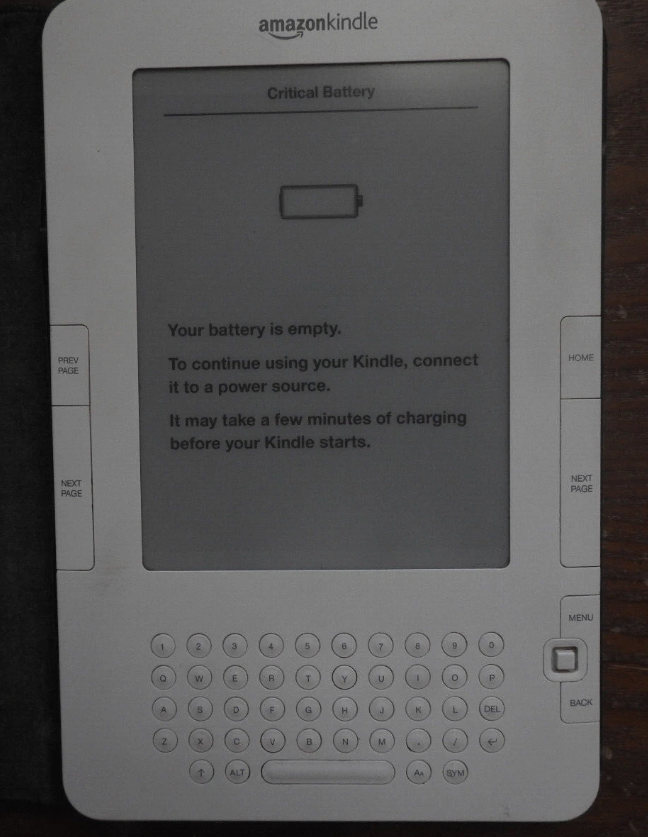
Kindle 2 (2009): The “Streamline”
- Best Feature: Improved 5-way controller (joystick).
- Why buy it: It lost the SD slot, but it’s slimmer. However, the buttons are smaller and less satisfying than the Gen 1’s massive “slants.”
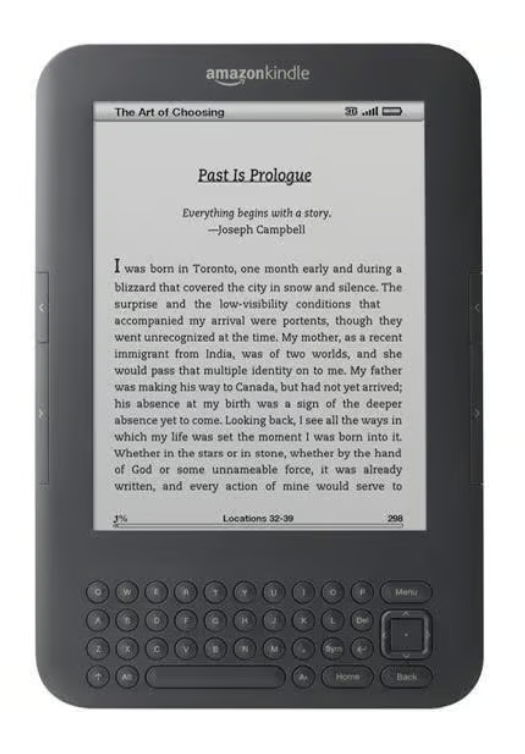
Kindle 3 (Kindle Keyboard) (2010): The “Fan Favorite”
- Best Feature: Better screen contrast and faster page turns.
- Why buy it: It’s technically the “best” performer of the vintage era, but it feels more like a modern device. If you want the true “weird tech” experience, Gen 1 is the king.
How to Maintain a Vintage Kindle
If you are lucky enough to find a pristine Gen 1 like mine, you are now the curator of a museum piece. Here is how to keep it alive:
The “50% Rule” for Batteries: The lithium-ion batteries in these devices are nearly 20 years old. Do not leave it at 0% charge for months, and do not leave it plugged in at 100% 24/7. Try to keep it charged between 40-80% if you are storing it.
Fight the Yellowing: The white plastic on 2007 tech is notorious for turning “nicotine yellow” due to UV exposure (bromine oxidation). Keep this device out of direct sunlight. If you store it, put it in a dark drawer or a UV-resistant case.
Exercise the Scroll Wheel: Mechanical parts need to move. If the scroll wheel feels stiff, scroll through a few menus. The oils from your hand actually help keep the mechanism lubricated (just don’t eat Cheetos while reading).
Investment Watch: Is This Plastic Gold?
I paid $38, but I suspect these won’t stay cheap forever. The 1st Generation Kindle is becoming a genuine collector’s item.
- Scarcity: Many were recycled or lost to battery corrosion. Finding one that works is getting harder.
- Condition: Finding one that is white (not yellowed nicotine-beige) is rare. If you have a pristine unit, keep it out of direct sunlight.
- The “Apple 1” Effect: It’s the device that started the e-book revolution. As we approach the 20th anniversary (2027), expect interest—and prices—to spike.
We are rapidly approaching November 19, 2027, marking the 20th anniversary of the Kindle, and if the resurgence of the iPod Classic and Tamagotchi taught us anything, it’s that nostalgia runs in predictable 20-year loops. As we inch closer to that date, I expect prices for working Gen 1 units to rise as collectors scramble to secure the “Original.” Maybe I’m being too optimistic. While Amazon might try to capitalize on the moment with a “Retro Edition” Paperwhite featuring physical buttons, it won’t replicate the soul of the real thing. Buying a Gen 1 now for $30-$50 is a low-risk investment that secures a piece of history before it becomes “cool” again.
This device isn’t for speed readers, productivity optimizers, or people who want sync-everything convenience. It’s for people who want reading to feel like a ritual, not a task.
Frequently Asked Questions
Where is the SD card slot?
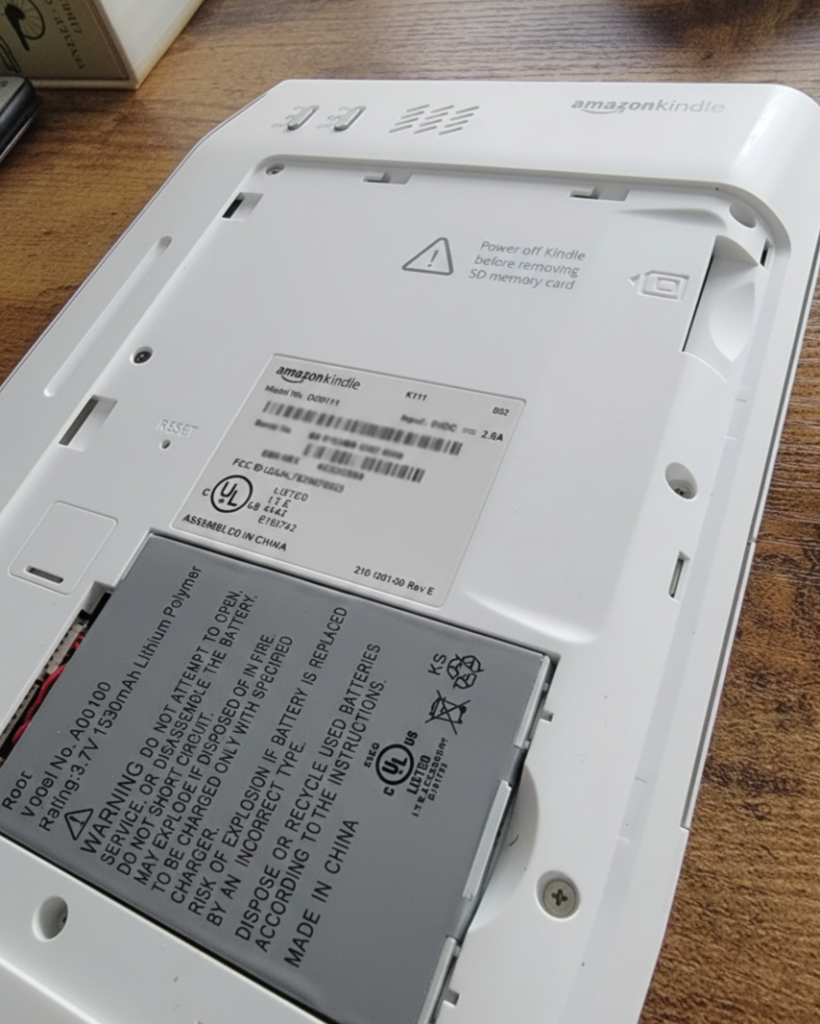
It is hidden! You have to slide off the back cover (the piece that covers the battery). The slot is located just above the battery compartment.
What kind of SD card does it take?
It takes a standard, full-size SD card (not microSD). Critical Note: It generally only accepts cards up to 4GB. Modern high-capacity (SDHC/SDXC) cards often won’t be recognized.
Can I still register a 1st Gen Kindle?
It’s hit or miss. Since the 3G is dead, you can’t register it over the air. Some users have luck contacting Amazon support to force-register it, but honestly? Just use it offline.
If you like retro gadgets with hidden features, check out my Franklin MWD-1490 Review.