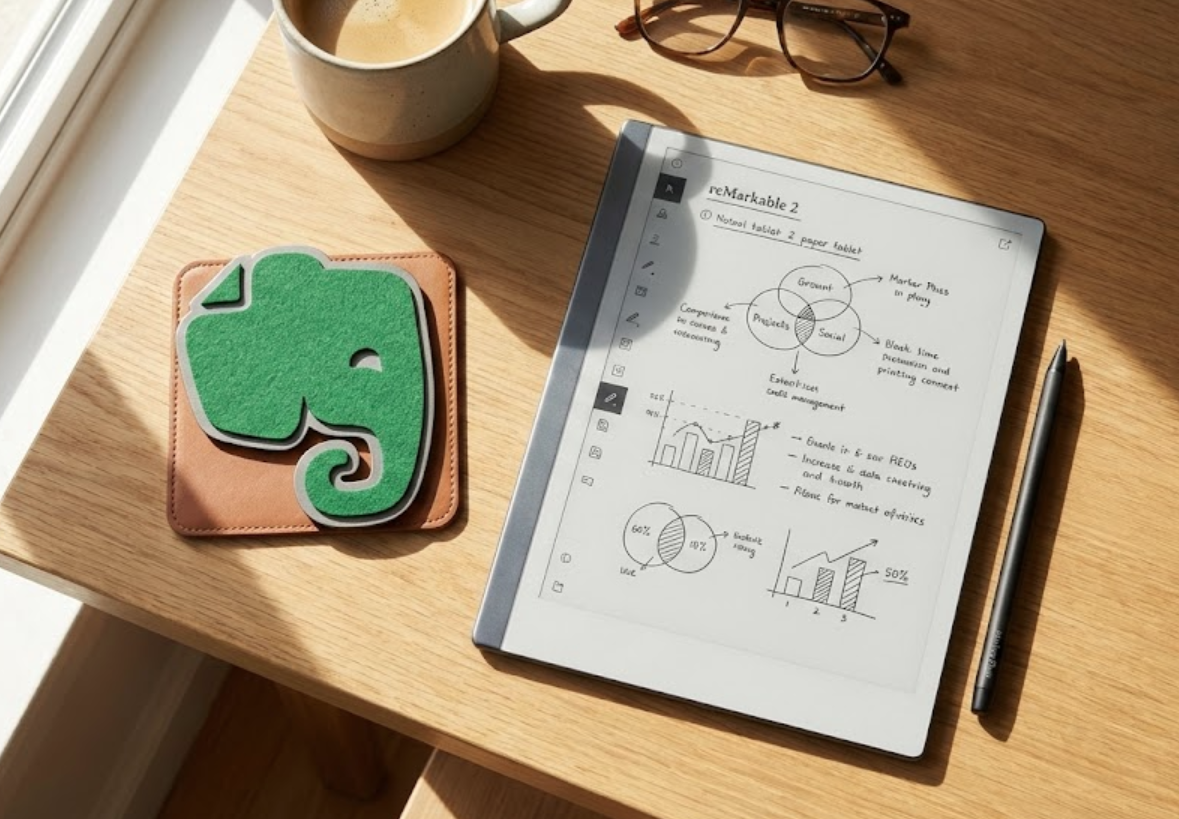
My day job has me in meetings, lots and lots of meetings. A few years ago, I looked around the conference room and realized something depressing: everyone was multitasking. And even if they weren’t, the illumination of the laptop screen made them look like they were.
When you open a laptop in a meeting, you are signaling partial attention. Even if you are taking notes aggressively, the speaker will likely assume the worst. You aren’t present. You are emailing a coworker or a friend.
I needed a way to lower the barrier without losing the data. I needed a “Safe Mode” protocol to make me feel a bit more human.
The Specs (Original Launch)
- Device: reMarkable 2
- Release Date: May 2020
- Original MSRP: $399 (Tablet) + $79 (Marker)
- Display: 10.3” Monochrome CANVAS (226 DPI)
- Weight: 403.5 g (0.89 lb)
- Battery: 3,000 mAh (Approx. 2 weeks)
- Connectivity: Wi-Fi (2.4/5GHz), USB-C
- Distraction Level: 5% (No Apps, No Email Client, No Browser)
Why Not Just Use Paper? (Or Rocketbook?)
I tried going back to those 5-subject, 5-Star notebooks I’ve loved since college. But a notebook isn’t searchable, and today’s world has too much going on to lose even the slightest detail Once you turn the page, that information disappears into a black hole on a bookshelf.
I experimented with the Rocketbook for a while, the erasable notebook you scan with your phone, but I never cared for it. The pages had the sensation like slippery plastic, and I could never fall in love with those Pilot FriXion pens. The whole exercise just felt “fake.”
Even though my handwriting has deteriorated into a rushed scrawl over the years, the distinct tactile feel of writing is what helps things sink in. I don’t just write to record; I write to learn. And remember.
The reMarkable 2 bridges that gap. It gives me the cognitive benefit of physical writing, but the safety net of digital backup.

My reMarkable 2 Evernote Workflow
I don’t use the reMarkable cloud app to organize my life. I did for a bit. It wasn’t the $2.99 a month fee that drove me away; it was the interface.
I use Evernote. Here is the exact loop I use to stay focused during the day and organized at night.
Step 1: The “Safe Mode” Capture
During meetings, I write everything by hand. The reMarkable screen has a textured friction that feels like a pencil on paper. I draw arrows, circle key points, and star must-do items. (I also had a short stint with the Supernote; cool device and community, but the appeal was lost on me). After an embarrassingly long trial-and-error period, I found a Remarkable template that gave me what I needed: a daily events display next to a to-do list, followed by blank, lined “paper.” I then uploaded that to my favorite AI tool and customized it further.
Step 2: The “Send-to-Self” Export
At the end of the day, I connect the Remarkable to WiFi at home and use the device’s built-in email trigger.
- Tap the “Share” icon on the page.
- Select “Send by Email”.
- I enter my unique Evernote input address. (Pro Tip: Save this address in your contacts so it auto-fills).
Step 3: The Searchable Archive
When the PDF lands in Evernote, Evernote’s OCR (Optical Character Recognition) scans my handwriting.
For years, OCR technology was hit-or-miss, but it has improved dramatically in recent years. It can now decipher my deteriorating block letters better than I can. Three months later, when I search “Q3 Budget,” Evernote indicates the handwritten words in my notes. I get the focus of analog with the recall of digital search. And in my humble opinion, this is the win: distraction-free workflows that do not negate the productivity value that wisely-used technology brings to the table.


Why I Skipped the “Type Folio”
You might see reMarkable advertising their new keyboard case, the Type Folio. I deliberately avoided it for two reasons:
- The Price: It adds significant cost to an already premium device.
- The Message: If I attach a keyboard and start typing in a meeting, I’ve rebuilt the “Laptop Barrier.” The click-clack of keys sends a signal that I might be answering emails or slacking a colleague. The use of a pen signals that I am listening.
Pros & Cons
The Good
–The “Paper” Feel: It’s satisfying in a way an iPad or Rocketbook never will be.
–Battery Life: I charge it once every week.
–Zero Distractions: No browser, no email, no notifications. It is “Slow Tech” perfected.
The Bad
–No Backlight: You cannot use this in the dark. You need a lamp, just like real paper.
–The Price: At $399 (plus the pen), it is an investment.
–PDF Sluggishness: If you try to load a massive PDF manual, it will choke.
The Verdict
In today’s corporate world, “productivity” is often mistaken for speed; how fast you can reply on Teams or how many emails you can triage during a Zoom call. But real productivity requires focus, and focus requires boundaries.
The reMarkable 2 helps create a physical boundary. By choosing to write on a device that can’t browse the web, I am forcing myself to enter “Safe Mode” in the middle of the workday. This workflow uses the digital world for what it’s best at (infinite, searchable storage in Evernote) while protecting the analog world for what it’s best at…deep thinking and genuine connection. So, show up to that next meeting without your laptop, tablet, or phone in front of you. Even if no one else notices, you will feel good about it—I promise.
FAQ
Is the reMarkable 2 worth it in 2025? Yes, if you value focus over features. If you want to watch Netflix or check email, buy an iPad. If you want to think, buy this.
Do I need the Type Folio keyboard? In my opinion, no. Adding a keyboard turns it into a slow laptop. Using the pen keeps it as a fast notebook.
Does reMarkable 2 work with Evernote? There is no direct “button” for Evernote, but you can easily send notes to your unique Evernote email address using the “Send by Email” feature on the device.