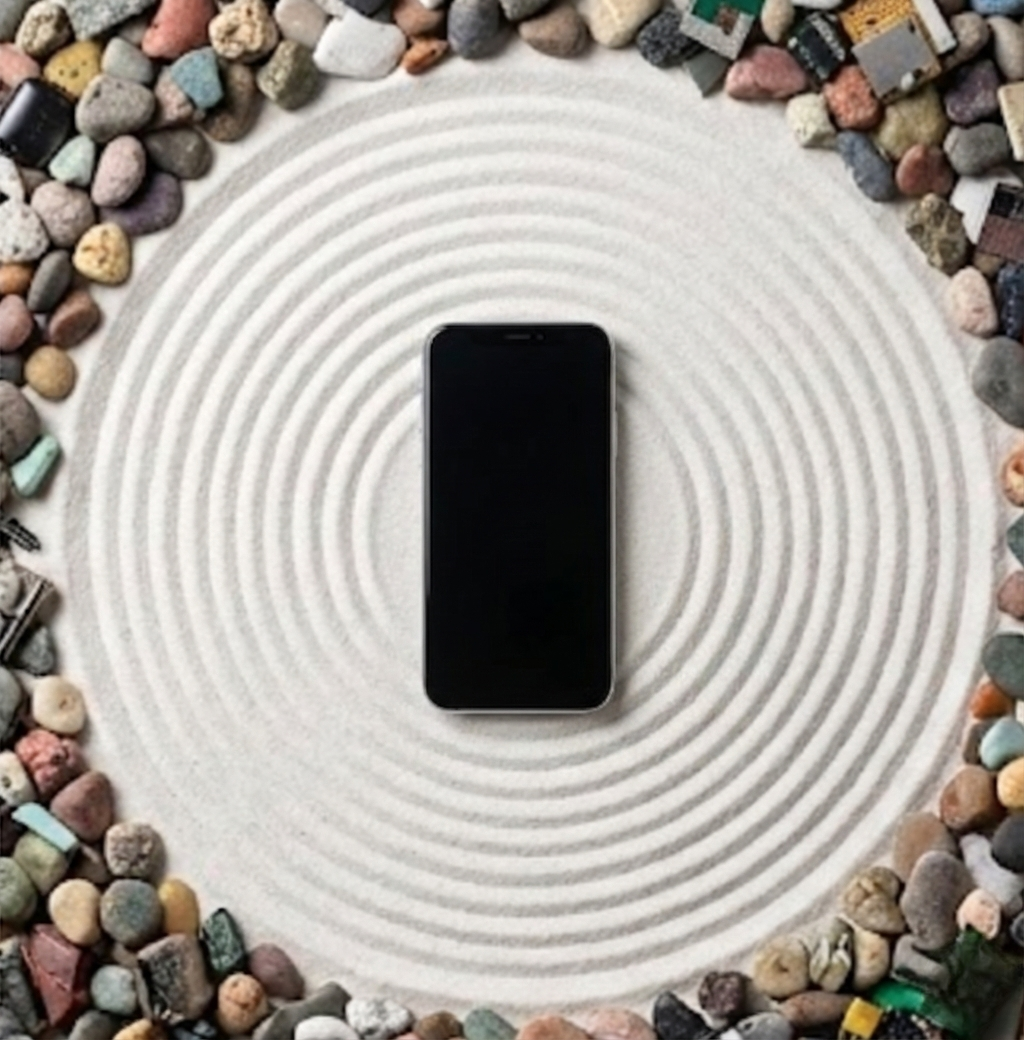
What is Ping Minimalism? Ping minimalism is a digital wellness strategy focused on aggressively limiting non-essential notifications (or “pings”) from digital devices to reclaim your attention and focus.
Another notification. Another context switch. Another three minutes of your life, gone.
If you’re reading this, you’ve probably googled something like “how to stop notifications from ruining my life” or “why can’t I focus anymore.” You’ve read the digital detox guides. You’ve been told to “just unplug.” And you’ve probably thought the same thing I did:
That’s not realistic for someone with a job.
I can’t go dark. Neither can you. Our bosses expect responses. Our clients expect availability. Our kids’ schools need to reach us when someone throws up in the cafeteria.
So here’s the thing: Ping Minimalism isn’t about silence. It’s about triage.
Think of it like an ER doctor. When patients roll in, they don’t all get seen immediately. The guy with the paper cut waits. The woman having a heart attack does not. Your notifications deserve the same treatment.
This guide will show you exactly how to implement notification triage—so you can actually finish a thought, ship real work, and stop feeling like a trained seal responding to digital bells.
Why Pings Destroy Your Brain (The Pavlovian Loop)
Let’s talk about what’s actually happening in your head when that Slack notification pops up.
You’re deep in a spreadsheet. Or writing that proposal. Or finally—finally—getting into flow on that project you’ve been putting off. Then: ding.
Your brain immediately wants to know what it is. Even if you don’t look, you’re already wondering. And if you do look? Game over.
Research from UC Irvine found that it takes an average of 23 minutes and 15 seconds to fully regain focus after an interruption. Not 23 seconds. Twenty-three minutes.
Here’s where it gets worse. The same researchers found that knowledge workers switch tasks every three minutes and five seconds on average. Do the math: if you’re switching every 3 minutes but need 23 minutes to recover, you’re never actually reaching deep focus. Ever.
Your workday becomes a series of shallow attention fragments. You feel busy. You feel exhausted. But when you look back at what you actually accomplished? It’s depressingly thin.
And then there’s the stress. A 2022 study published in the Journal of Occupational Health confirmed what we all suspected: constant notification interruptions increase strain, reduce productivity, and leave workers feeling simultaneously wired and depleted.
This isn’t a willpower problem. It’s a Pavlovian conditioning problem. Every ping triggers a dopamine hit, the hope of something potentially important or interesting. Your brain has been trained, notification by notification, to respond to these digital bells.
The good news? You can un-train it. But not by going cold turkey. By getting smarter about which bells actually deserve your attention.

The 3-Tier Notification Hierarchy
Not all notifications are created equal. Some genuinely need your immediate attention. Most don’t. The problem is that our phones treat them all the same—an endless stream of dings, buzzes, and banners competing for the same slice of your brain.
The 3-Tier Notification Hierarchy fixes this by sorting every potential interruption into one of three categories, each coming along with its own set rules.
Tier 1: The Red Phone
Immediate interruption allowed.
This tier is for genuine emergencies. The people and situations where you actually need to be interrupted, no matter what you’re doing. If you’re in the middle of a presentation and your kid’s school calls, you take that call.
The key word here is emergencies. Not “kind of urgent.” Not “they might get annoyed if I don’t respond.” Actual emergencies.
Examples:
- Your spouse or partner
- Your kids’ school or daycare
- Your CEO or direct boss (if your job truly requires it)
- Your parents (if they’re elderly or have health issues)
- Your home security system
For most people, this list should be 5 people or fewer. If your Tier 1 list has 15 people on it, you’ve missed the point. Be ruthless here.
How to implement: Use your phone’s Focus Mode to allow calls and messages only from specific contacts. On iPhone, this is the “Allow Notifications From” list in Focus settings. These contacts break through Do Not Disturb. Everyone else waits.
Tier 2: The Batch
Important, but on your schedule.
This is the tricky tier. These are notifications that matter—but not right now. They deserve your attention, but they don’t deserve to interrupt your flow state.
Examples:
- Slack DMs from colleagues
- Email from clients
- Calendar reminders
- Text messages from friends
- Team @mentions in project channels
The magic here is batching. Instead of responding to these throughout the day, you check them at scheduled times. Three times per day works for most professionals: 10am, 1pm, and 4pm.
I use my Casio AE-1300WH to time these batches.
How to implement: Turn off badges and banners for these apps. They still collect notifications—you just don’t see them until you choose to. When your scheduled check time arrives, open each app deliberately, process what’s there, then close it and move on.
Tier 3: The Noise
Never allowed to interrupt. Ever.
These are the notifications that exist purely to pull you back into an app. They’re designed by product teams whose job is to maximize your engagement—not your productivity or wellbeing.
Examples:
- “So-and-so liked your post”
- “You have a new connection request on LinkedIn”
- “Breaking news” from news apps
- Promotional emails and newsletters
- Game notifications
- “People are talking about…” prompts
- App update reminders
Be honest: has a LinkedIn notification ever genuinely improved your day? Has “trending now” ever led to something that mattered?
How to implement: Go nuclear. Disable notifications entirely for these apps at the system level. Not muted. Not “delivery quietly.” Off. You can still check them when you decide to—they just don’t get to interrupt you.

The Core Philosophy of Ping Minimalism
- Attention is an Asset: Your focus is a finite, valuable resource that must be protected from unwanted digital intrusions.
- Digital Resistance: It is a form of digital detox where you stop reacting to alerts in real-time and instead check communications on your own schedule.
- Batching Notifications: Instead of allowing a steady stream of interruptions, you create specific “windows” during the day to check emails and texts.
Step-by-Step: Setting Up Your iPhone Focus Mode
Let’s get tactical. Here’s exactly how to implement the 3-Tier system on an iPhone. (Android users: your process will be similar using Digital Wellbeing and Do Not Disturb settings.)
Creating Your “Deep Work” Focus
- Open Settings and tap Focus.
- Tap the + button in the top right corner.
- Select Custom and name it “Deep Work” (or whatever works for you).
- Choose a color and icon. I use a brain emoji because I’m basic like that.
- Tap Customize Focus.
Configuring Tier 1 (The Red Phone)
- Tap People.
- Select Allow Notifications From.
- Tap Add People and select your Tier 1 contacts (spouse, kids’ school, etc.).
- Under Allow Calls From, select Allowed People Only.
- Toggle on Allow Repeated Calls. This means if someone calls twice within 3 minutes, they break through—a good failsafe for genuine emergencies.
Silencing Tier 2 and 3 Apps
- Tap Apps.
- Select Silence Notifications From.
- Add every app that falls into Tier 2 or Tier 3. Yes, this includes Slack. Yes, this includes email. Be brave.
- Leave Time Sensitive Notifications off unless you truly need them for specific apps.
Scheduling Your Focus
- Back in your Focus settings, tap Add Schedule.
- Choose Time.
- Set your deep work hours. I do 9:30am-11:30am and early mornings on weekends.
- The Focus will now automatically engage during these times.
Permanently Killing Tier 3 Notifications
For Tier 3 apps, don’t just shut them during Focus mode—disable their notifications entirely.
- Go to Settings > Notifications.
- Find each Tier 3 app (LinkedIn, news apps, games, etc.).
- Toggle Allow Notifications to off.

The Social Contract: Training Your Colleagues
Here’s the uncomfortable part. You can set up the perfect Focus mode, but if your colleagues expect instant responses, you’re going to feel the pressure anyway.
The solution isn’t to hope people respect your boundaries. It’s to explicitly communicate them, effectively rebuilding the ‘Laptop Barrier’ in a digital sense.
Craft Your Response Policy
Put something like this in your Slack status, email signature, or team wiki:
“I check messages at 10am, 1pm, and 4pm. If something is truly urgent and can’t wait, call me. If you message me, expect a response within 4 hours during business hours.”
This does three things:
- Sets expectations. People know when to expect a response, so they stop wondering if you’re ignoring them.
- Creates an escape valve. For genuine emergencies, the phone is there. This makes people feel safe even if you’re not instantly responsive on Slack.
- Raises the bar for interruptions. Most people won’t call unless it’s actually important. This filters out the “hey, quick question” messages that could’ve been an email.
Having the Conversation with Your Manager
If you’re worried about pushback, frame it in terms of output:
“I’m trying an experiment to improve my deep work time. I’ll be batching messages instead of responding in real-time, but I’m always reachable by phone for any critical matter. I’ll track my output this month and see if it helps.”
Most reasonable managers will support this. And if they don’t? Well, that tells you something too.
Making It Stick
The hardest part of Ping Minimalism isn’t the setup. It’s the first week.
You’ll feel phantom buzzes. You’ll catch yourself reaching for your touchscreen out of pure muscle memory. You’ll wonder if something important is happening and you’re missing it.
This is normal. This is withdrawal. It will pass.
Research on notification-free experiments shows that people initially feel some anxiety from reduced connectivity. But within a week, that anxiety is replaced by something better: control over your own life (well, at least a small part of it!).
You’ll start to notice things. Like how much longer you can hold a thought. Like how much more satisfying it is to finish something without interruption. Like how much calmer you feel at the end of the day.
A few tips for the transition:
- Start small. If batching three times a day feels too aggressive, start with hourly. Then stretch it.
- Trust the system. If someone truly needs you urgently, they’ll call. That’s what Tier 1 is for.
- Track your wins. Notice when you finish a task without interruption. That’s the point.
- Be patient with yourself. You’ve been conditioned for years to respond to every bell. Reconditioning takes time.
The Bottom Line
Your attention is the most valuable thing you have. It’s the raw material of creativity, problem-solving, and meaningful work. And right now, it’s being stolen from you in 3-minute increments by apps designed to mine data, not make you effective or happy.
Ping Minimalism isn’t about becoming unreachable. It’s about becoming intentional. It’s about deciding that your deep work matters more than someone’s “quick question” that could wait two hours. It’s about treating your attention like the finite, precious resource it actually is.
The ER doctor doesn’t feel guilty about making the paper cut wait. Neither should you.
Set up your tiers. Schedule your batches. Communicate your policy. And then get back to doing work that actually matters.
Your brain will thank you.