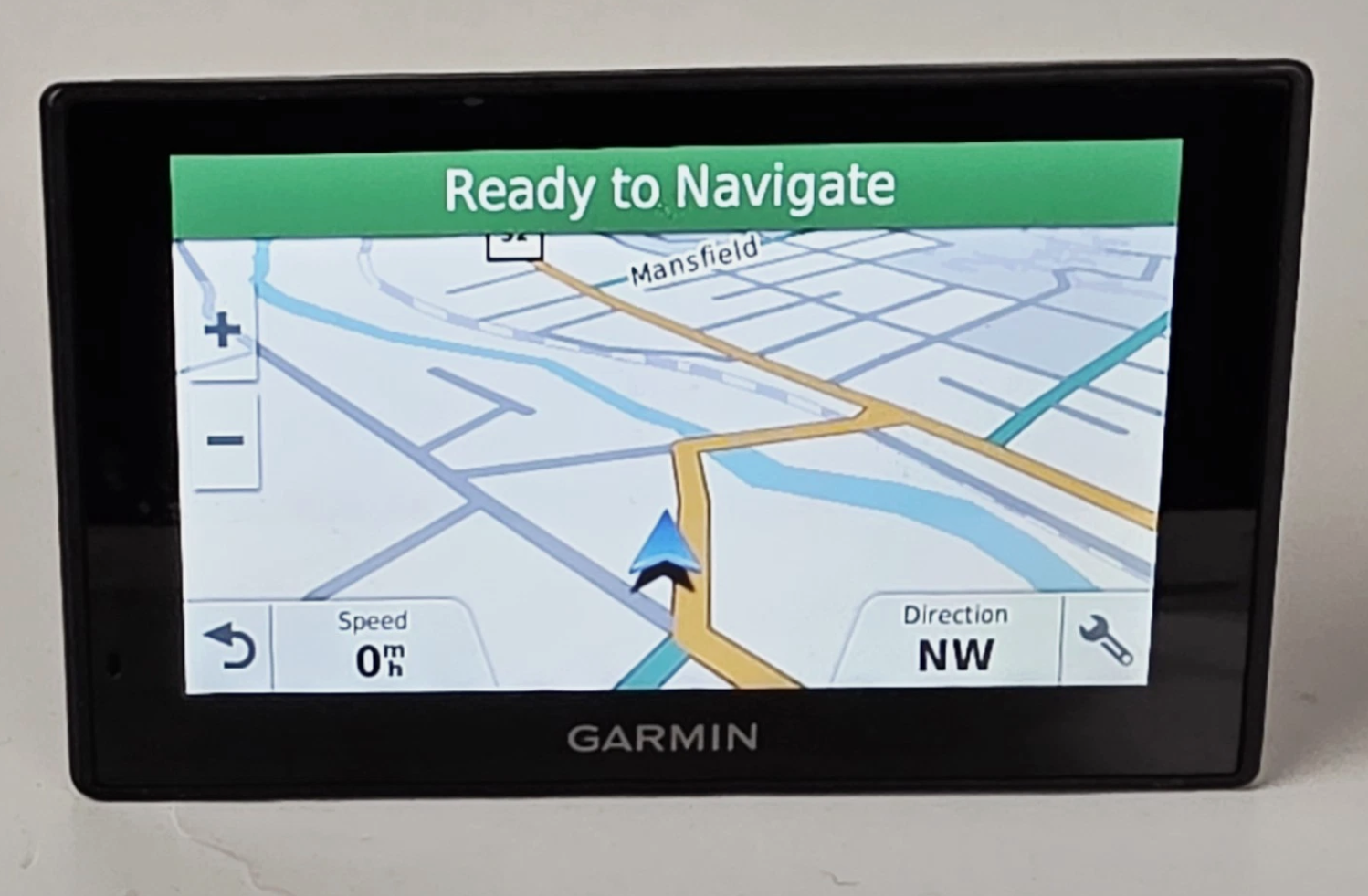
To drive without your phone as the map, put a standalone GPS on the windshield. A used Garmin DriveSmart 51 LMT-S runs about $20 to $100. It keeps its maps on the device and finds you by satellite, so it routes fine with zero bars. Turn off Smart Notifications on day one and a text can never cover the map again.
I was crawling up the Cross Island last month, stop-and-go.
The voice told me to merge right in a quarter mile. And right then the screen changed on me. A fat calendar banner slid down about a Zoom call. A text stacked up behind it. My map was just gone, buried under two untimely rectangles.
So there I am, swiping at glass with my thumb while steering two tons of metal at forty miles an hour.
So I made a healthy regression. I bought a GPS.
An actual one, the kind that sits on a suction cup arm and looks like it fell out of a 2011 rental car. Mine is a Garmin DriveSmart 51 LMT-S. It doesn’t have my email. It’s a piece of single-purpose plastic that wants nothing from me except to get me to where I want to go.
Last week I moved the car’s music off my phone. This is the natural next step.
The Specs
- Product: Garmin DriveSmart 51 LMT-S
- Screen: 5-inch capacitive glass, pinch-to-zoom
- Maps: Stored on the device, routes fully offline
- Updates: Built-in Wi-Fi, no computer needed
- Voice: Hands-free, wakes on “Voice Command”
- Distraction Level: 0% (after you turn off one setting)
- Price: About $20 to $100 used
What you actually need
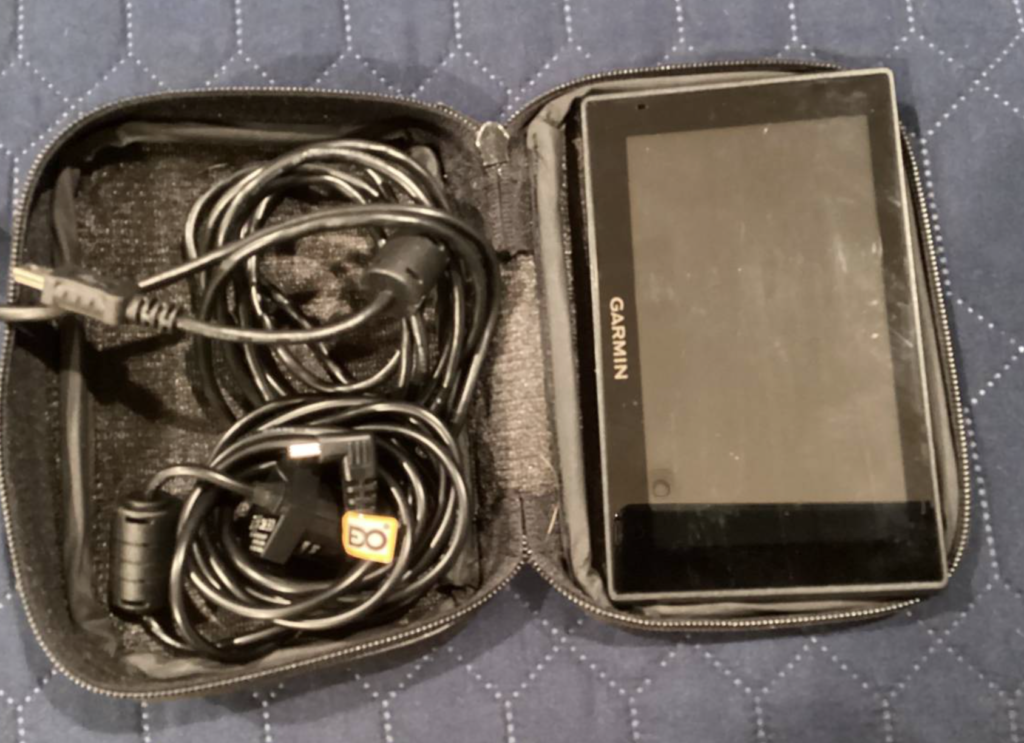
- The GPS. Used is fine. Check that the listing includes the mount and the power cable. The cheap “unit only” ones don’t.
- A 12V outlet. The thing your dad called the cigarette lighter.
- Home Wi-Fi for map updates.
- Five minutes in Settings to kill Smart Notifications. More on that next.
- A spot in the glovebox for when you park.
- A home for your phone that isn’t the dash. Center console. Back pocket. Bag on the back seat.
How do you stop a Garmin GPS from showing your texts?
Turn off Smart Notifications before your first drive. I’m putting this at the top because it’s the part every other review buries.
The DriveSmart pairs to your phone over Bluetooth. Once it does, Garmin’s manual says it will put your phone’s notifications and messages right on the map screen. Out of the box, you can end up with a second notification tower glued to your windshield.
That’s not a fix. That’s the same problem with a Garmin logo on it.
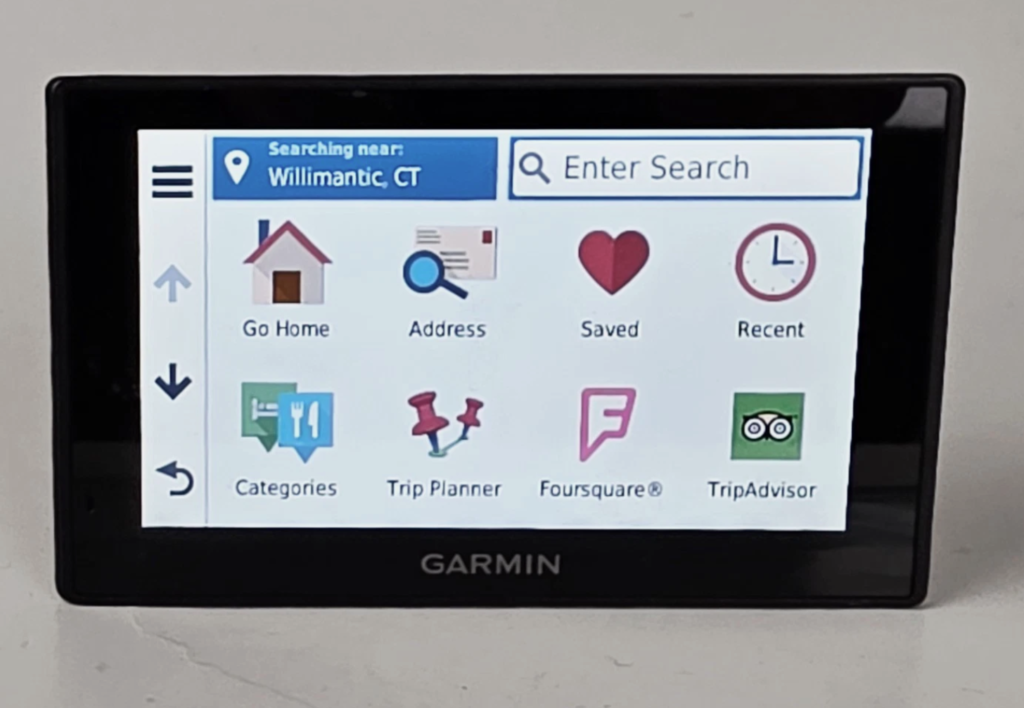
Go to Settings, find Smart Notifications and shut it off. Or never pair the phone at all. Now the box only knows about roads.
Does a standalone GPS work without cell service?
Yes. The maps live on the device, and it finds you by satellite, not cell towers.
Everyone who has driven upstate knows the feeling of watching the map grid dissolve into gray as the bars drop off. Back roads in the Catskills don’t faze the Garmin. The route is already on the box.
(One honest exception: tunnels block satellites too. Any GPS, phone or Garmin, loses its fix under the river. It finds you again on the other side.)
Why is a GPS less distracting than a phone on the dash?
Because nothing can arrive on it.
Even when you don’t touch it, a phone on the dash is a lit billboard for everything you’re anxious about. Slack. Breaking news. The group chat. You register every flash whether you engage or not, and that costs you something.
The Garmin shows a map, your speed and an ETA. Nothing pings. The cabin gets quiet in a way I didn’t know I was missing until I had it back.
Is a GPS better than a phone mount in summer?
For your phone, yes.
Running Waze or Google Maps hammers a phone. GPS at full power, screen at max brightness fighting the sun, cell data pulling nonstop. Clip that to a dash mount in July and it can overheat and dim itself into a useless smear right when you need it.
The Garmin runs off the 12V outlet. Your phone stays in your pocket, cool, at full charge, doing nothing. That’s the correct state for a phone in a moving car.
Still, pull the Garmin off the glass when you park. A closed car in July cooks any electronics, and a GPS on the windshield is an advertisement to whoever walks by.
How do you use voice command on the DriveSmart 51?
Say “Voice Command.” That’s the default wake-up phrase, and you can change it in the Voice Command options.
Then say “Find Place,” say where you’re going, pick the line number and say “Navigate.” Your hands stay on the wheel.
It isn’t parsing the entire internet like Siri, so it’s quick at the one thing it does. And it isn’t trying to sell you anything.
Pros & Cons
Pros:
- Nothing can hijack the map. No call, no text, no calendar reminder. The screen shows the road or it shows nothing.
- Your phone arrives charged. And cool, and in your pocket.
- Dead zones stop mattering. Offline maps, satellite positioning.
- The suction cup ritual. Snapping it into the mount before you pull out is a small physical signal that the drive has started. I like it more than I expected to.
Cons:
- It’s another object. One more thing to stash in the glovebox.
- Live traffic needs your phone. The “S” in LMT-S means traffic comes over Bluetooth from Garmin’s Smartphone Link app, using your phone’s data. Want traffic, and you’re partly back on the tether. I skip it and eat the occasional jam on the Van Wyck.
- Map updates are slow. Park in Wi-Fi range, plug it in, walk away. The first one can run an hour or more.
- It looks dated. The interface is 2017 and it acts like it. If that bothers you, this isn’t your hobby.
Try it for a week
Day 1. Mount it, plug it in at home and let it update over Wi-Fi. Turn off Smart Notifications.
Days 2 to 5. The phone goes in the console before the car moves. Every drive, even the ones you could do asleep.
Day 6. Count how many times you reached for the phone at a red light. That’s your data.
Day 7. Drive somewhere you’ve never been. Garmin on the glass, phone out of sight.
If a day breaks, it breaks. Need to answer the pickup text? Pull over. Then the phone goes back in the console.
The Verdict
Is a standalone GPS better than your phone? Not always.
Your phone has better traffic. It knows about the road closure, the speed trap and the fender bender on the Northern State. The Garmin is a 2017 box that has to borrow your phone to learn any of that.
So it’s not my everyday setup. I pull it out when I want to be intentional about my tech, and I go in knowing the trade.
On those days, hand the map to a dumb box that only knows roads. Kill the one setting. Put the glowing rectangle in the center console.
If you’re working toward ditching the smartphone altogether, maps is an easy job to hand off first. Just know you might take it back some days. That’s allowed.
FAQ
Does the Garmin DriveSmart 51 need cell service?
No. Maps are stored on the device and it locates you by satellite, so it routes fine with zero bars. Cell service only matters if you want the optional live traffic feed.
Can it show live traffic?
Yes, with a catch. Live traffic and parking come through Garmin’s Smartphone Link app on your paired phone, using your phone’s data. The iPhone version hasn’t been updated since 2019, so test it with your phone before you count on it.
How do you update the maps?
Over Wi-Fi. Park in range of your home network and plug it in. When an update is ready, it shows a prompt on the screen and you tap to download. No computer needed. Set aside a chunk of time for the first one.
Is the touchscreen any good?
Better than you’d guess. It’s capacitive glass with pinch-to-zoom, so a light touch works. No jabbing like the old resistive screens. The interface is dated, but the glass isn’t.
How much does a used DriveSmart 51 cost?
On eBay I’ve seen bare units around $20 and open-box ones near $100. Most land in between. Check that the mount and the power cable are included before you pay.
Should I just use CarPlay or Android Auto instead?
CarPlay is still your phone, on a bigger screen. The texts still find you. If the job is the map, give the map to something that can’t get a text.
The Garmin goes on the glass. The phone goes in the console. You catch your exit.